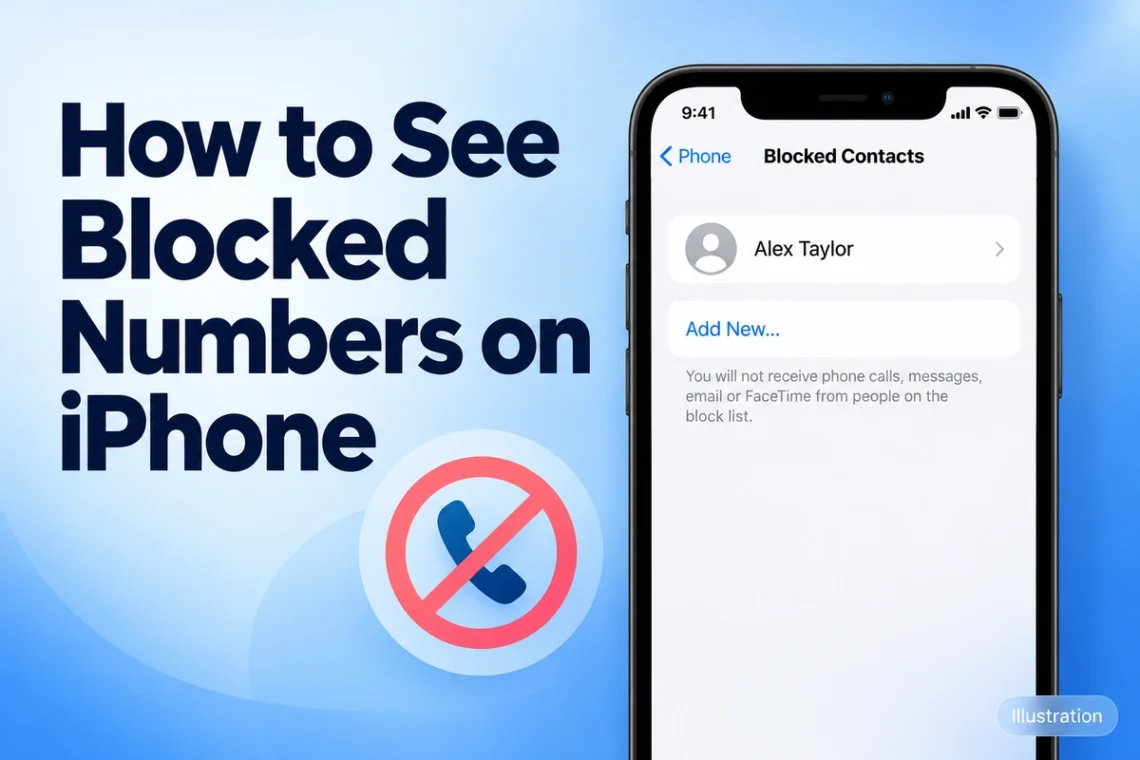
If you want to check whether you blocked someone by mistake or review unwanted callers, your iPhone keeps a list you can access through Settings. You do not need to install another app. However, the location of that list depends on your iOS version, which explains why some instructions might…
Tech How-to
-
-
Wondering how to turn off Apple Watch? Remove it from its charger, press and hold the side button, tap the power icon, then drag the Power Off slider to the right. This is the standard shutdown method in Appleβs current instructions. However, switching off your watch can feel confusing when…
-
Sharing your internet connection should be simple, but a long Wi-Fi password can make it frustrating. One incorrect capital letter or missed symbol is enough to stop someone from connecting. Fortunately, many phones and computers offer built-in tools that save you from reading the password aloud or searching for the…
-
Seeing a Printer Offline message can be frustrating, especially when the printer is switched on and looks ready to work. This problem usually means your computer cannot communicate properly with the printer, even though the printer itself may not have a serious fault. If you are searching for how to…
-
AirPods are designed by Apple, but you can still use them with an Android phone. They work like regular Bluetooth earbuds, so you can connect them to most Android smartphones without installing a special app. If you have recently bought AirPods and are wondering how to pair AirPods to Android,…
-
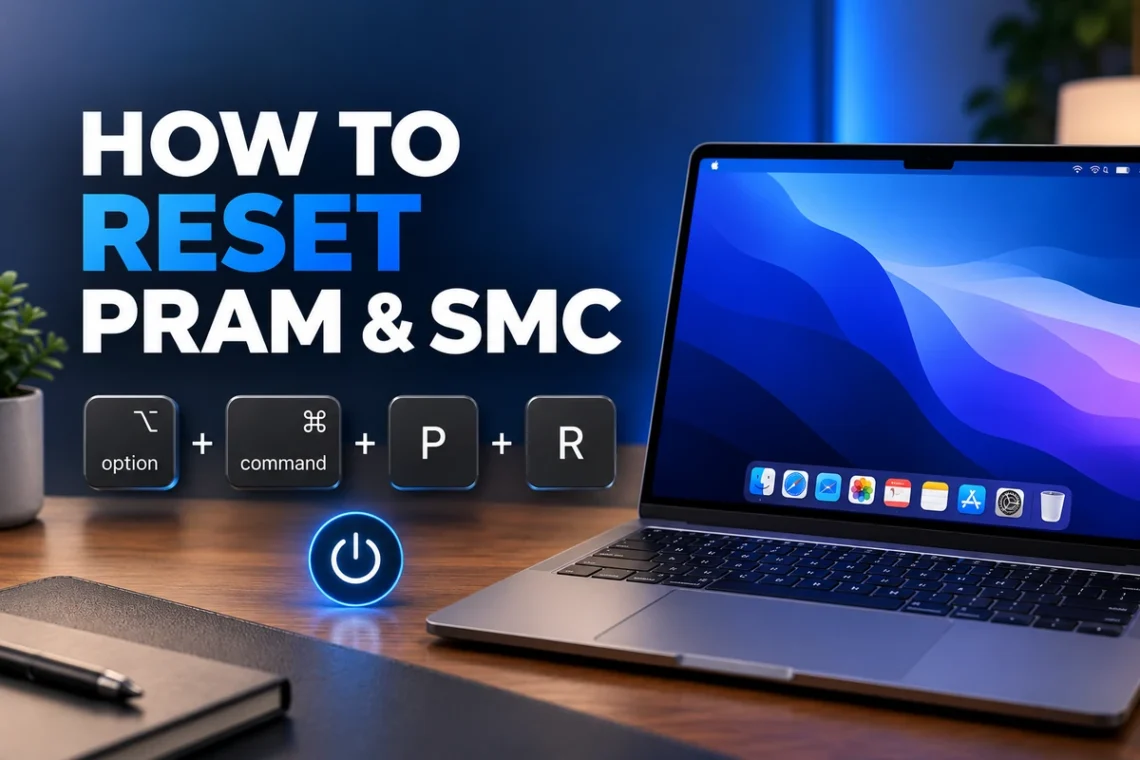
Mac problems can sometimes appear without warning. Your computer may have unusual startup behavior, incorrect display settings, sound problems, charging issues, or fans that seem to run differently than expected. In some cases, resetting certain low-level settings can help resolve these problems without reinstalling macOS or changing complicated system configurations.…
-
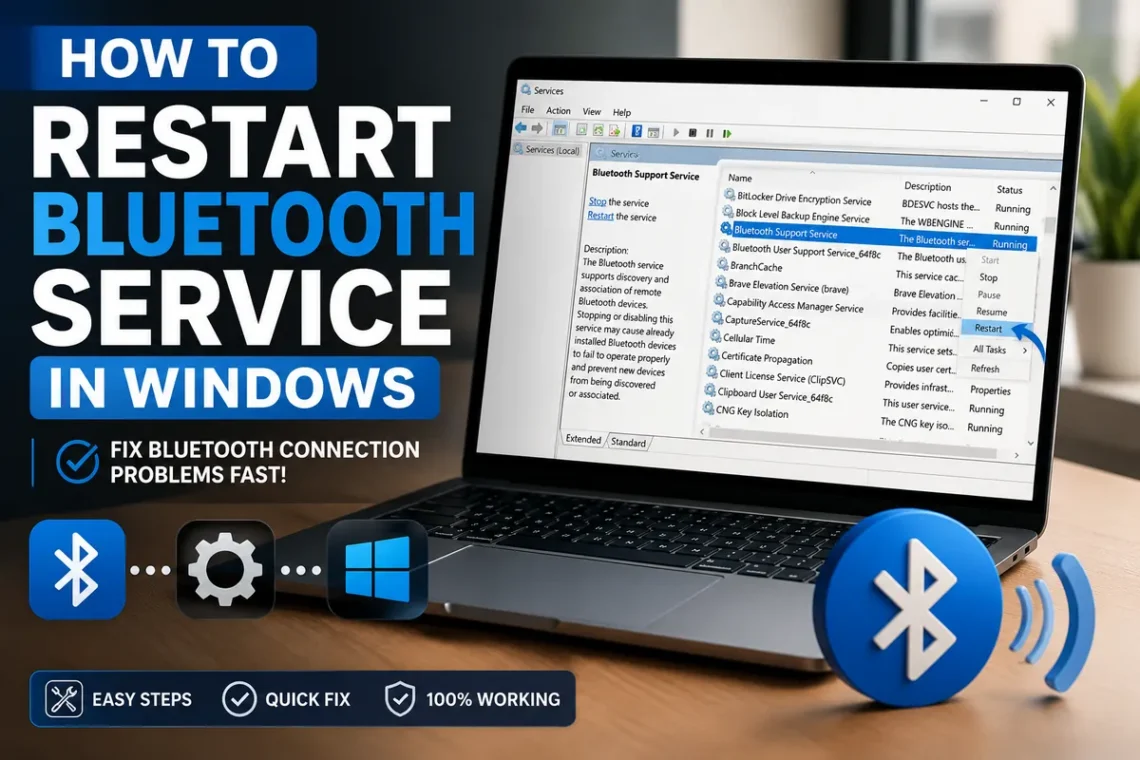
Bluetooth problems on Windows can be surprisingly frustrating. Your headphones may suddenly stop connecting, a wireless mouse might disappear, or a keyboard that worked perfectly yesterday may refuse to pair. Before reinstalling drivers or changing complicated settings, restarting the Bluetooth service is often a simple troubleshooting step worth trying. If…
-
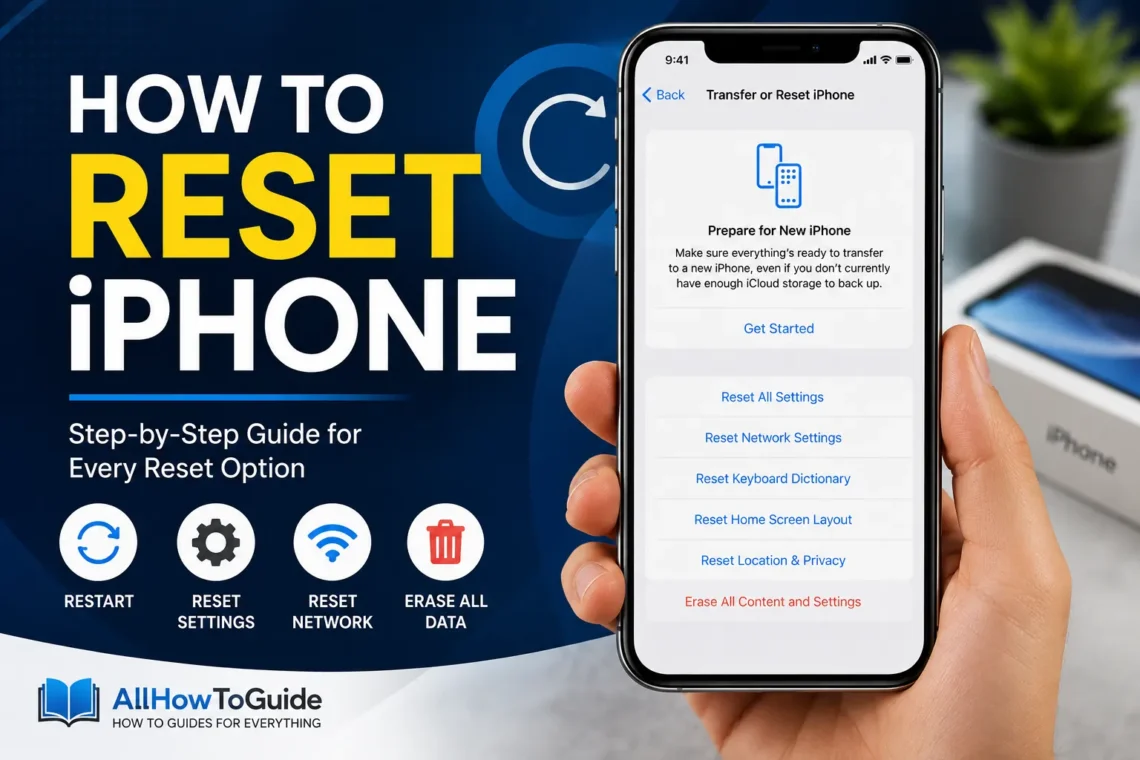
Your iPhone is designed to work smoothly, but even the most reliable devices can occasionally slow down, freeze, or develop software issues. Sometimes apps stop responding, storage becomes cluttered, or you’re preparing to sell your phone and need to erase everything safely. In situations like these, knowing how to reset…
-
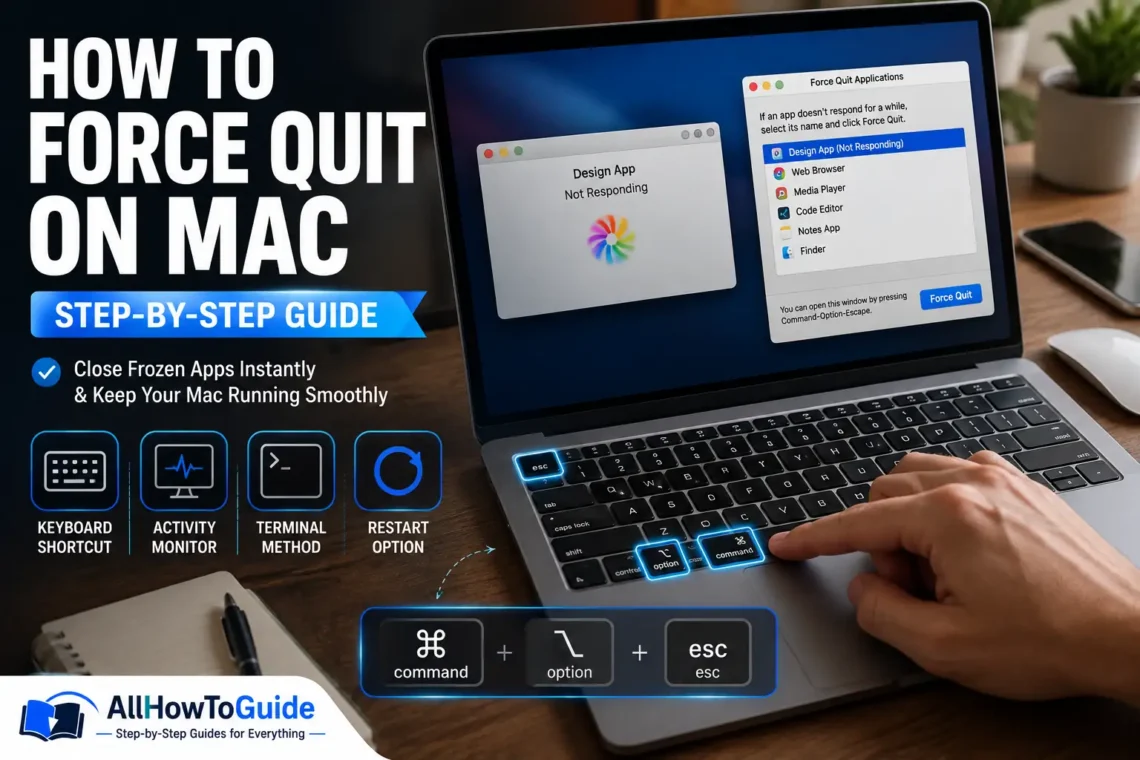
If you’ve ever used a Mac, you’ve probably experienced an app that suddenly stops responding. The spinning beach ball appears, clicks no longer work, and the application refuses to close. While this can be frustrating, it doesn’t usually mean there’s something wrong with your Mac. In most cases, you simply…
-
Gaming on a PC gives you access to thousands of titles, but many players still prefer using a controller over a keyboard and mouse. If you’ve recently bought a PlayStation 5 DualSense controller, you might be wondering how to use it with your computer. The good news is that learning…