If you’ve decided to stop using Roblox, you may be wondering whether you can permanently remove your account. Whether you’re taking a break from gaming, concerned about privacy, or simply no longer use the platform, it’s important to understand how Roblox handles account deletion.
Unlike many online services, Roblox doesn’t include a simple “Delete Account” button in the account settings. Instead, you’ll need to follow a few specific steps depending on your situation.
In this guide, you’ll learn how to delete Roblox account, what happens after deletion, alternative options, and answers to common questions.
Can You Permanently Delete a Roblox Account?
Yes, but not by clicking a button inside your account settings.
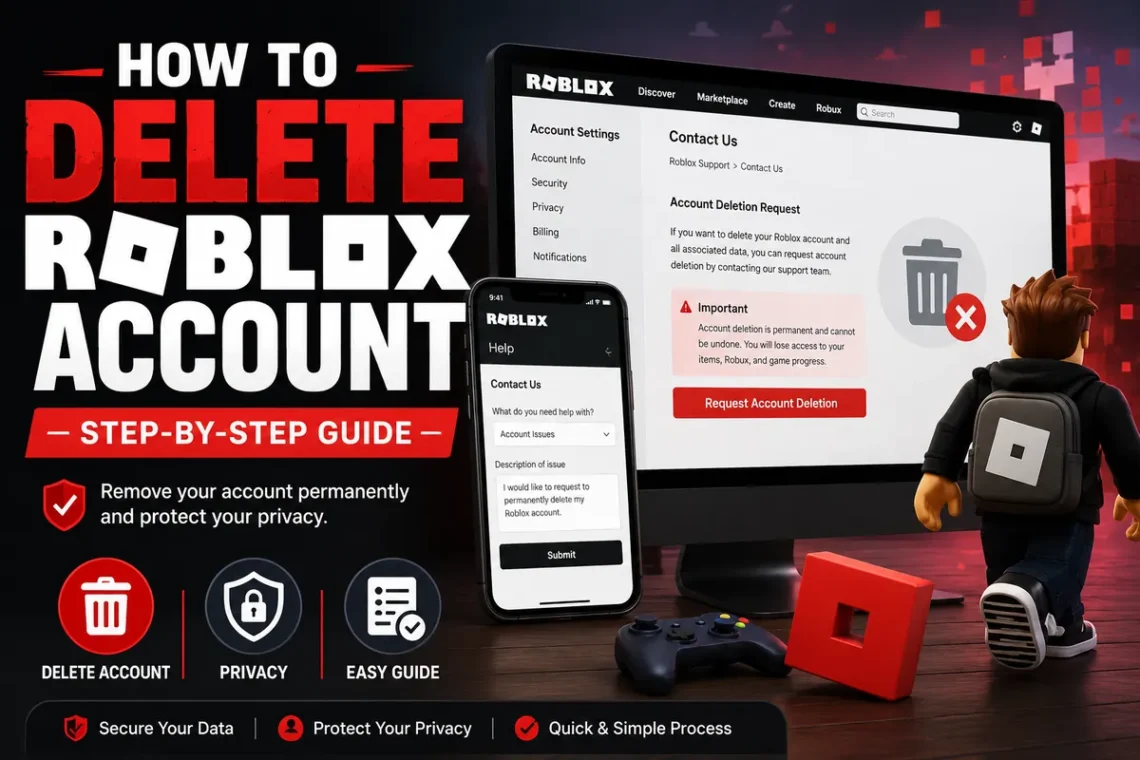
Roblox requires users to contact customer support and request account deletion. The company reviews each request before permanently removing an account.
If you simply stop using your account, it will remain active unless you request deletion.
Reasons People Delete Their Roblox Account
Everyone has different reasons for leaving Roblox.
Some of the most common include:
- Spending less time gaming
- Privacy concerns
- Creating a fresh account
- Managing children’s online activity
- Too many unwanted notifications
- Security concerns after unauthorized access
- Reducing screen time
No matter your reason, it’s worth understanding the consequences before submitting a deletion request.
Things to Know Before Deleting Your Roblox Account
Before proceeding, keep these points in mind:
- Deleted accounts usually cannot be recovered.
- You will lose your friends list.
- Purchased items and Robux may no longer be accessible.
- Game progress linked to the account will be lost.
- Username history and account information may be removed.
If you’re unsure, consider deactivating your activity instead of requesting permanent deletion.
Method 1: Request Account Deletion Through Roblox Support
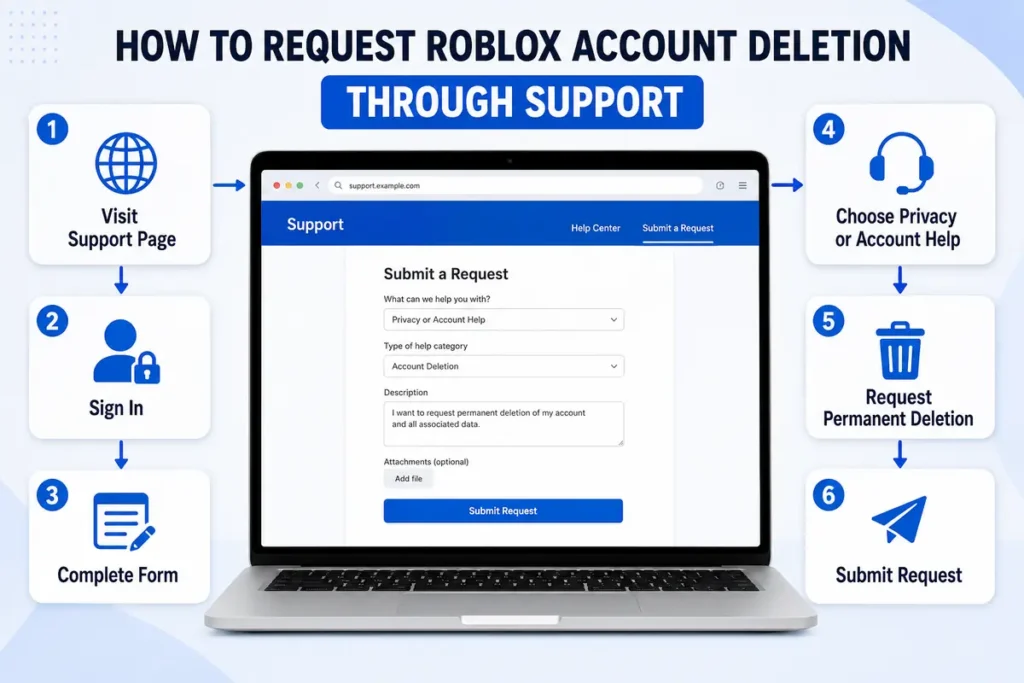
The official way to remove your account is by contacting Roblox Customer Support.
Step 1
Open your web browser and visit the Roblox Support page.
Step 2
Sign in to your Roblox account if required.
Step 3
Complete the support request form.
Enter:
- Your name
- Email address
- Username
- Device type
Step 4
Under the support category, choose the option related to Data Privacy Requests or Account Help, depending on what’s available.
Step 5
In the description box, politely request permanent account deletion.
Example:
Hello Roblox Support,
I would like to permanently delete my Roblox account and all associated personal data. Please process my request according to your account deletion policy.
Thank you.
Step 6
Submit the request.
Roblox may contact you to verify ownership before processing your request.
Method 2: Request Deletion Under Privacy Laws
In some countries and regions, privacy regulations allow users to request deletion of personal information.
If applicable, Roblox may ask for identity verification before completing the request.
The exact process depends on your country and local privacy laws.
What Happens After Your Request?
After submitting your request, Roblox reviews the information.
They may:
- Verify your identity
- Ask additional questions
- Confirm account ownership
- Notify you when the request is complete
Processing time varies depending on support volume.
Can You Delete a Roblox Account From the Mobile App?
No.
The Roblox mobile app doesn’t include an option to permanently delete an account.
You’ll still need to submit your request through Roblox Support using a web browser.
Can Parents Delete a Child’s Roblox Account?
Yes.
Parents or guardians can contact Roblox Support to request deletion of a child’s account.
They may need to provide additional information to verify ownership or parental authority.
What Happens to Your Robux?
Before deleting your account, remember:
- Remaining Robux generally cannot be transferred.
- Purchased items usually cannot be moved to another account.
- Premium membership should be canceled separately if active.
It’s a good idea to spend or manage any subscriptions before requesting deletion.
How to Cancel Roblox Premium
Deleting your account doesn’t automatically cancel recurring subscriptions.
To cancel Roblox Premium:
On the Website
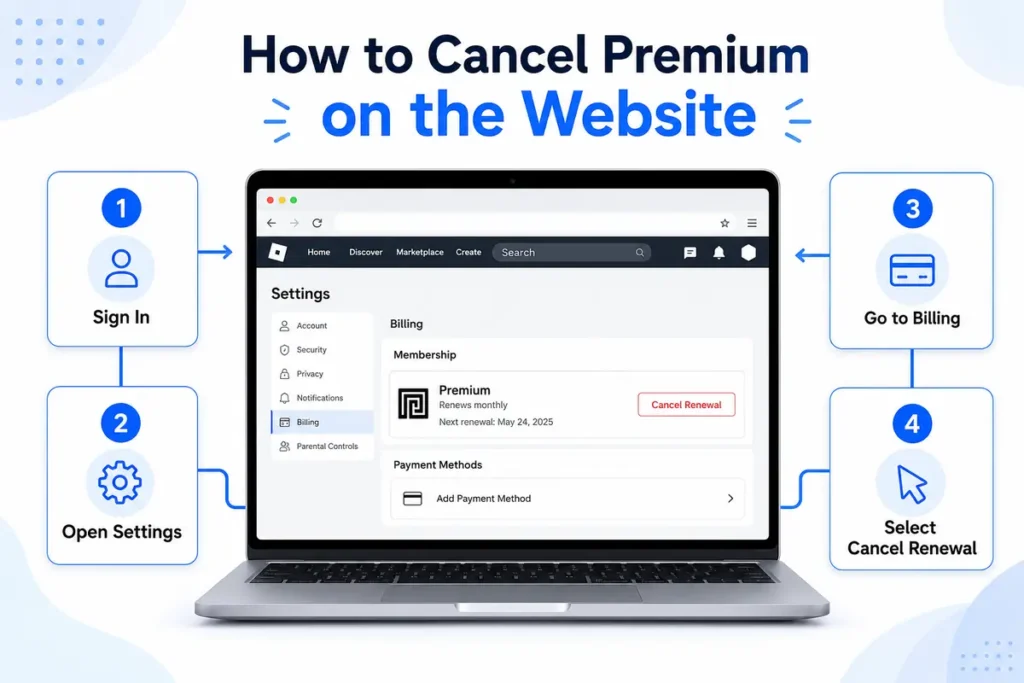
- Sign in.
- Open Settings.
- Go to Billing.
- Select Cancel Renewal.
On Mobile
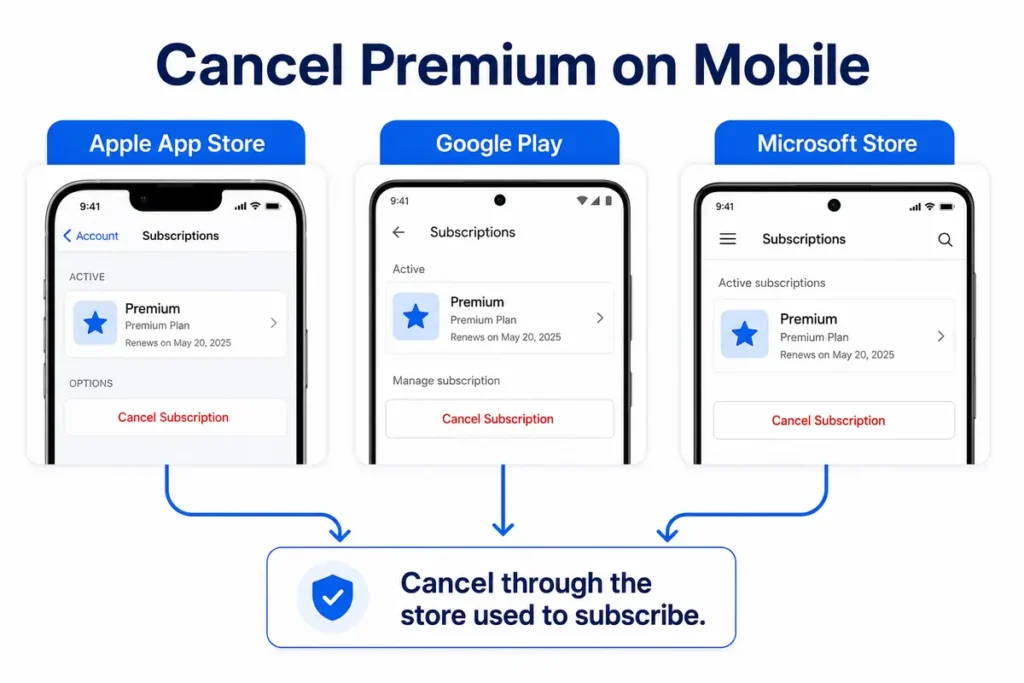
If you subscribed through:
- Apple App Store
- Google Play
- Microsoft Store
You’ll need to cancel the subscription through that store.
Alternative: Stop Using Your Roblox Account
If you’re unsure about permanent deletion, simply stop using your account.
You can also:
- Log out from all devices.
- Remove saved payment methods.
- Update your privacy settings.
- Disable notifications.
- Change your password if security is a concern.
This allows you to return later if you change your mind.
Common Problems When Requesting Account Deletion
Some users experience delays.
Common reasons include:
- Incorrect email address
- Username mismatch
- Identity verification pending
- High support request volume
Double-check your account information before submitting the request.
Tips Before Deleting Your Account
Before making your final decision:
- Save screenshots of purchases if needed.
- Cancel active subscriptions.
- Remove linked payment methods.
- Download any information you may need.
- Make sure you truly want permanent deletion.
Taking these steps can help prevent unexpected issues later.
Final Thoughts
Learning how to delete Roblox account is straightforward once you know that the process goes through Roblox Support rather than your account settings. Before submitting your request, consider whether you want a permanent deletion or simply a break from the platform. If you choose to proceed, remember to cancel Roblox Premium, review your account information, and understand that deleted accounts are generally not recoverable. Taking a few minutes to prepare can make the process smoother and help you avoid losing anything important.
FAQs
1. Can I delete my Roblox account permanently?
Yes. You must submit a request through Roblox Customer Support.
2. Is there a Delete Account button in Roblox?
No. Roblox doesn’t currently provide a built-in delete button.
3. Can I recover my account after deletion?
In most cases, permanently deleted accounts cannot be restored.
4. Will deleting my Roblox account cancel Premium?
No. You should cancel your Roblox Premium subscription separately.
5. Can I delete my Roblox account from the mobile app?
No. You’ll need to use the Roblox Support website to submit a deletion request.